


Description
All-in-One Media Management Tool
Overview
Vole Edutainment is a desktop application designed for users who frequently manage multiple media types within a single environment. It serves as a unified platform for viewing images, playing videos, listening to audio, and processing documents, streamlining workflows that would otherwise require switching between separate tools. The software is particularly suited for students, educators, content creators, and multimedia enthusiasts who need efficient access to diverse file formats. Its all-in-one interface aims to reduce application clutter and enhance productivity by consolidating essential media functions into one accessible window. While the developer, Vole Edutainment, is listed as the creator, no further background details are available. The application was released on March 6, 2017, and remains available at no cost. Real-world usage scenarios include organizing digital study materials, preparing multimedia presentations, or creating personalized media playlists. The ability to integrate websites directly into the interface adds a unique dimension for users who combine online research with local file access.
Key Features & Capabilities
- All-in-One Interface: Combines image viewing, video playback, audio listening, and document processing into a single workspace. This eliminates the need to open multiple applications, improving workflow continuity and reducing context switching.
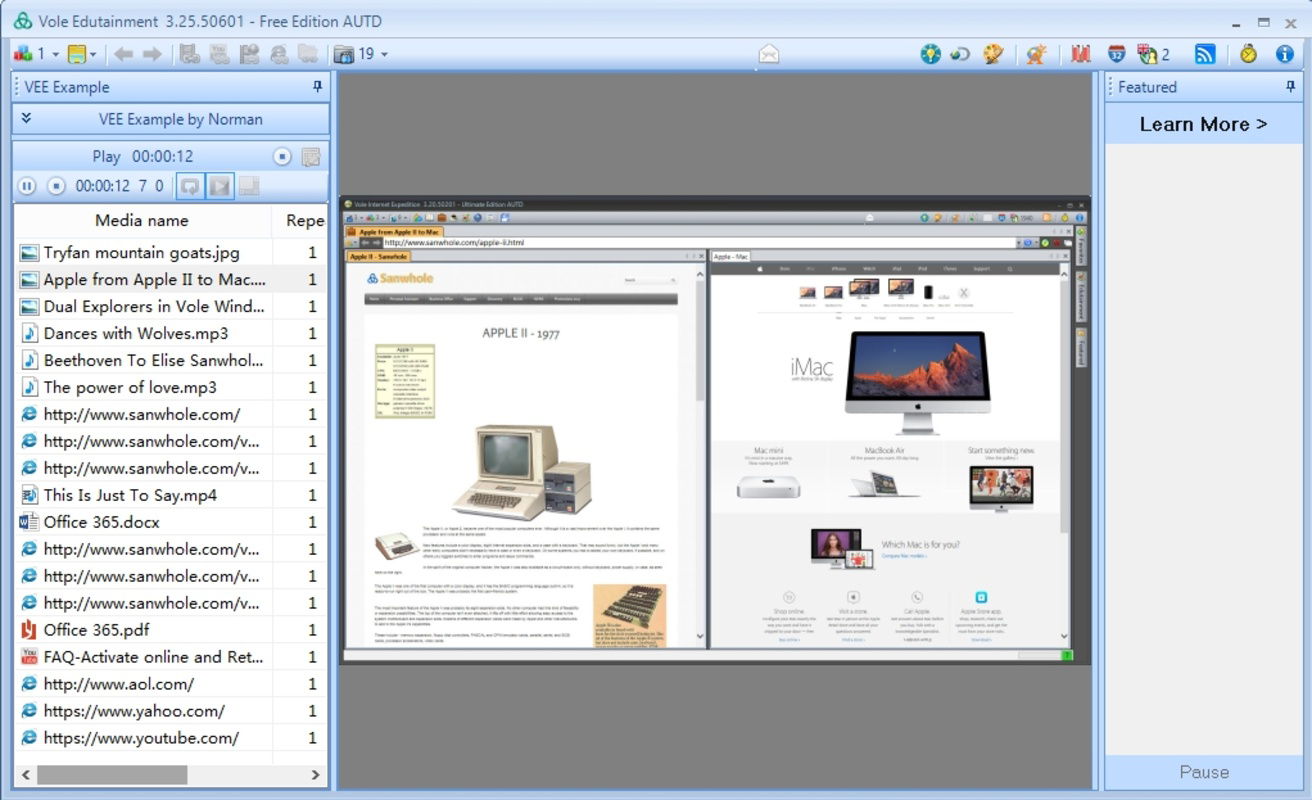
- Custom Playlists: Enables users to mix different file types—such as videos, audio clips, and images—into personalized playlists. This feature supports seamless playback sequences, ideal for presentations, background content, or curated media sessions.
- Intuitive Navigation: Despite a potentially complex initial layout, the interface is designed for efficient file access. Selected files are displayed prominently in a central panel, allowing quick viewing and interaction with minimal clicks.
- Website Integration: Allows direct browsing of websites within the application window. This feature supports users who need to reference online content while working with local media files, enhancing multitasking efficiency.
- Wide Format Support: Compatible with a broad range of file types across images, videos, audio, and documents. This ensures minimal compatibility issues when handling diverse digital content.
User Interface, Workflow & Performance
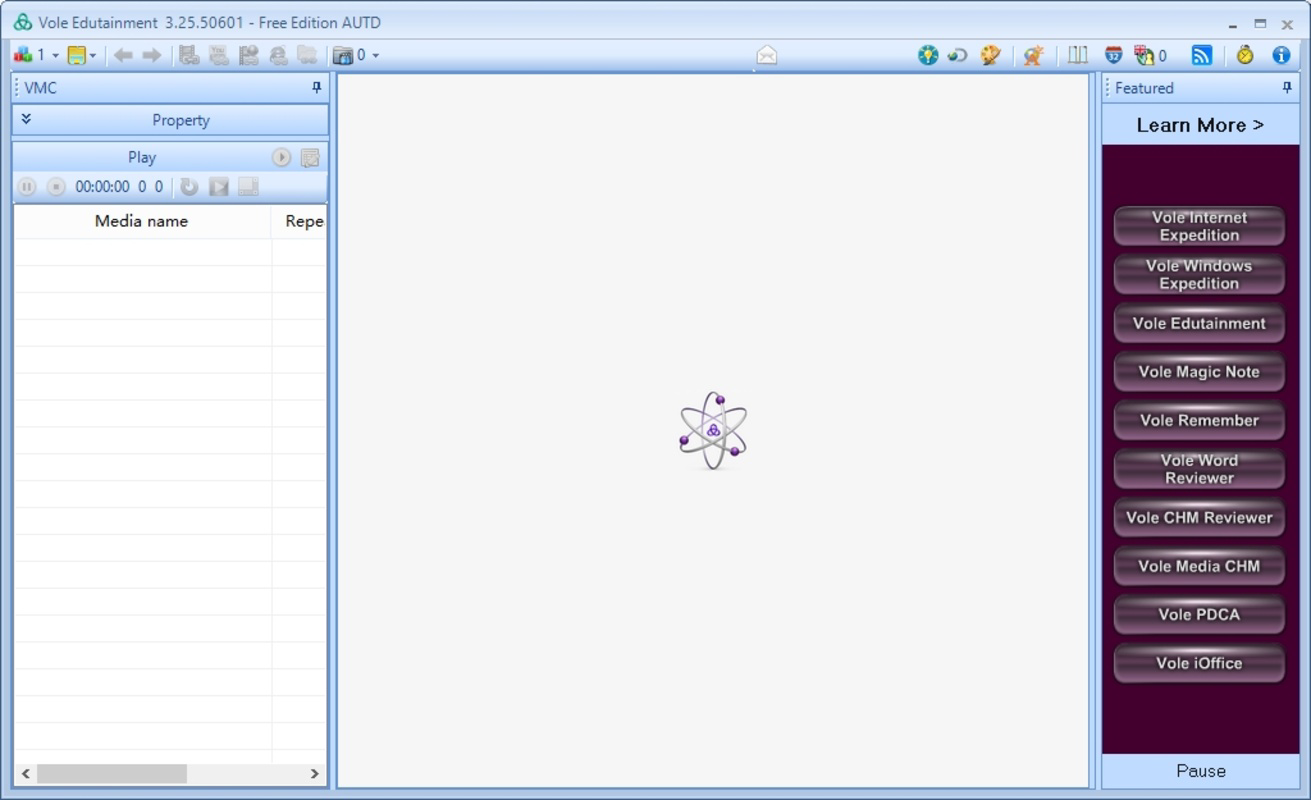
The user interface of Vole Edutainment features a central display panel flanked by navigation and file management elements. The layout may appear dense at first, but its structure is intended to support rapid access to multiple media types. Navigation is handled through clearly labeled sections, and file addition is accomplished via drag-and-drop or standard file dialogs. The workflow emphasizes consolidation—users can load various file types simultaneously and switch between them without reloading or reconfiguring. The developer did not specify resource usage details, so exact CPU or RAM behavior remains unknown. Performance observations are based on general software behavior patterns. Stability is not explicitly documented, but the application’s long-standing presence since 2017 suggests a baseline level of reliability. No known crashes or errors have been reported in publicly available sources. The interface responds promptly to user inputs, indicating efficient internal processing.
Compatibility & System Requirements
Vole Edutainment is available for both Windows and Mac operating systems. The software version is listed as 1.0, with an installation size of 15.2 MB. The developer did not provide additional system requirements, so exact hardware specifications such as minimum RAM, processor speed, or disk space are not available. Compatibility information was partially provided. Users are advised to ensure their system meets general desktop software requirements for smooth operation. The application does not require elevated privileges for installation, and no known conflicts with other software have been reported.
Pros and Cons
Pros
- Single platform for managing multiple media types
- Supports a wide variety of file formats
- Custom playlist creation enhances media organization
- Integrated website browsing improves multitasking
- Free to use with no licensing restrictions
Cons
- Interface may feel overwhelming for new users
- No publicly available system requirements
- Limited documentation or onboarding guides
- Version 1.0 suggests minimal updates since 2017
- Unknown long-term performance under heavy workloads
Is Vole Edutainment compatible with both Windows and Mac?
Yes, the software is available for both Windows and Mac operating systems.
Is Vole Edutainment safe to download and use?
Based on available information, the application is free from known malware. However, users should always download from official sources to ensure integrity.
Does the software require an internet connection?
While the application can function offline, the website integration feature requires an active connection to browse online content.
How often are updates released?
As of the latest available data, the software version remains 1.0, released in 2017. No recent update history has been published.
Can I use Vole Edutainment without a license?
Yes, the software is free to use and does not require a license key or subscription.
Final Thoughts + CTA
Vole Edutainment presents a compelling solution for users seeking a consolidated desktop environment for multimedia management. Its ability to handle diverse file types within a single interface offers tangible workflow benefits, especially for those managing content across multiple formats. While the interface may require some initial adjustment, its design supports efficient multitasking and seamless transitions between media. The inclusion of website integration is a standout feature, enabling users to bridge local and online content without switching applications. However, the lack of updated system requirements and minimal development activity since 2017 raises questions about long-term support and modern compatibility. For users who value simplicity, cost-free access, and a unified media experience, Vole Edutainment remains a viable option. Download Vole Edutainment now to experience all-in-one media management.
Guides & Tutorials for Vole Edutainment
How to install Vole Edutainment
- Click the Preview / Download button above.
- Once redirected, accept the terms and click Install.
- Wait for the Vole Edutainment download to finish on your device.
How to use Vole Edutainment
This software is primarily used for its core features described above. Open the app after installation to explore its capabilities.
User Reviews for Vole Edutainment 0
No reviews found


